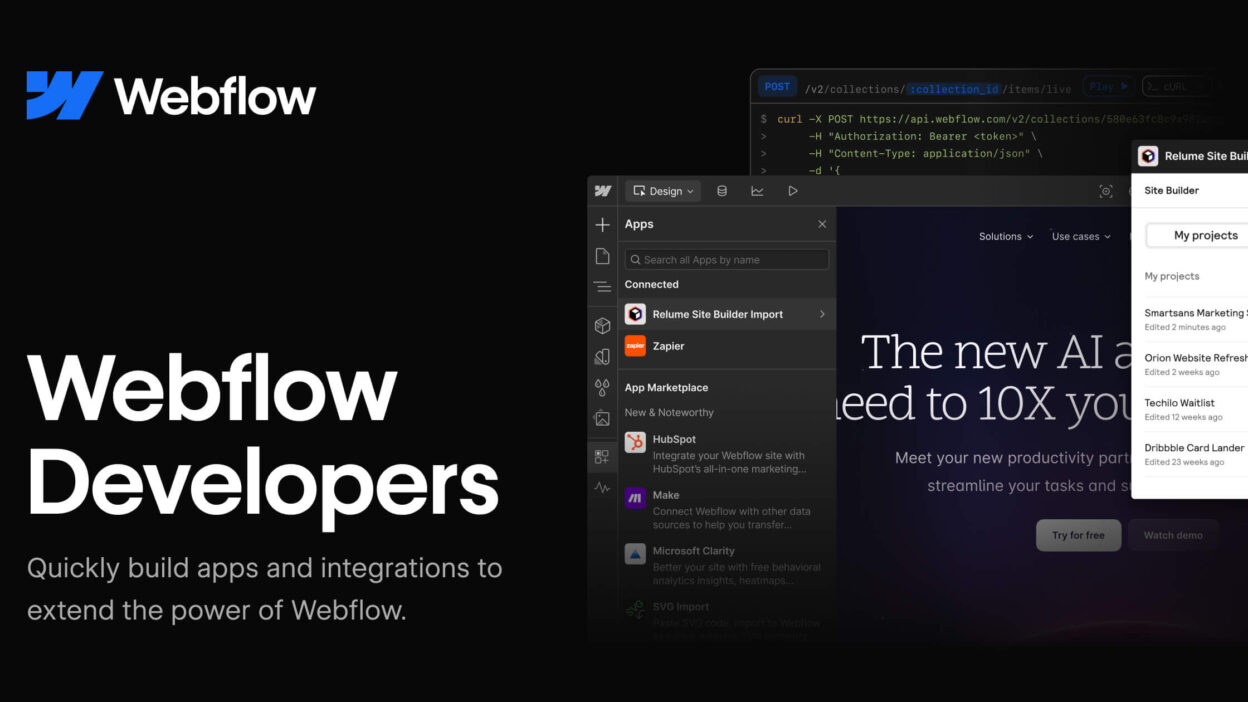
I like building sites that look custom, load fast, and stay easy to update. That’s why I keep coming back to the Webflow website builder. It lets me design a modern, responsive site without living in code, yet I still feel in control of the layout and details.
This is a solid fit for solo founders, marketers, designers, and small teams. I’ll explain what Webflow is, what’s changed in 2026, where it works best, and how I decide if it’s the right tool before I commit.
What Webflow is, and why it feels different from other no-code builders
Webflow is a visual design tool that publishes real, production-ready HTML and CSS (and the related front-end pieces) instead of locking me into a theme. It also bundles hosting, SSL, security basics, and publishing, so I’m not juggling three services before lunch.
Most template-first builders want me to pick a layout, then color inside the lines. Webflow flips that. I can shape sections, spacing, and interactions with more precision, while keeping a clean structure behind the scenes. The built-in CMS is also a big reason teams choose it, especially for blogs, case studies, job boards, and landing pages that need frequent updates.
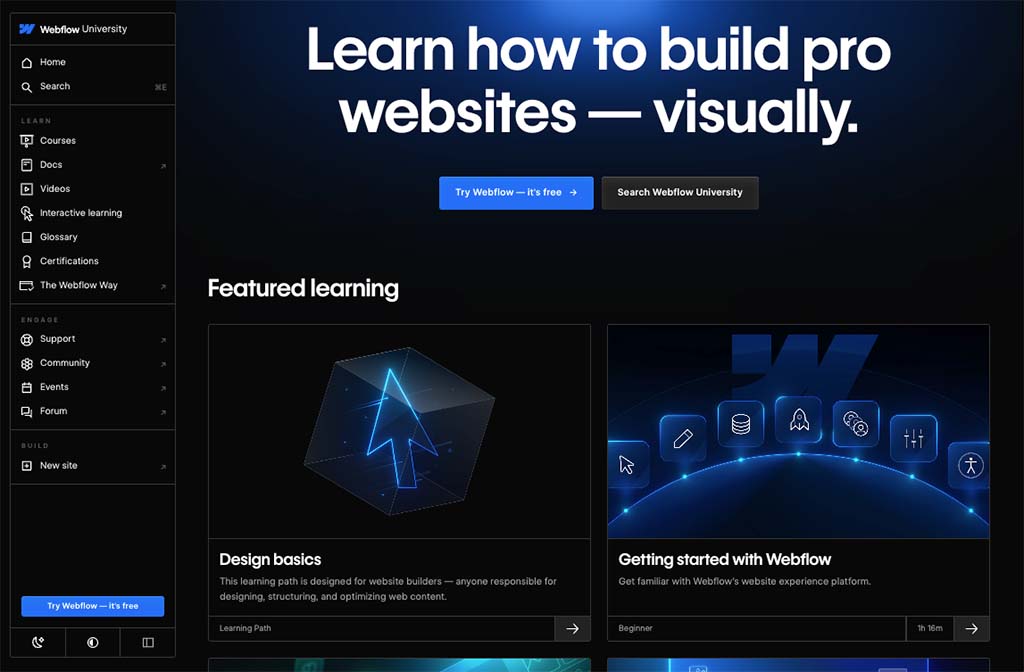
Designer control without giving up structure
Webflow teaches me to think in boxes, spacing, and type rules. I set reusable classes, consistent typography, and responsive breakpoints. Because it’s rules-based, the site stays consistent as new pages get added.
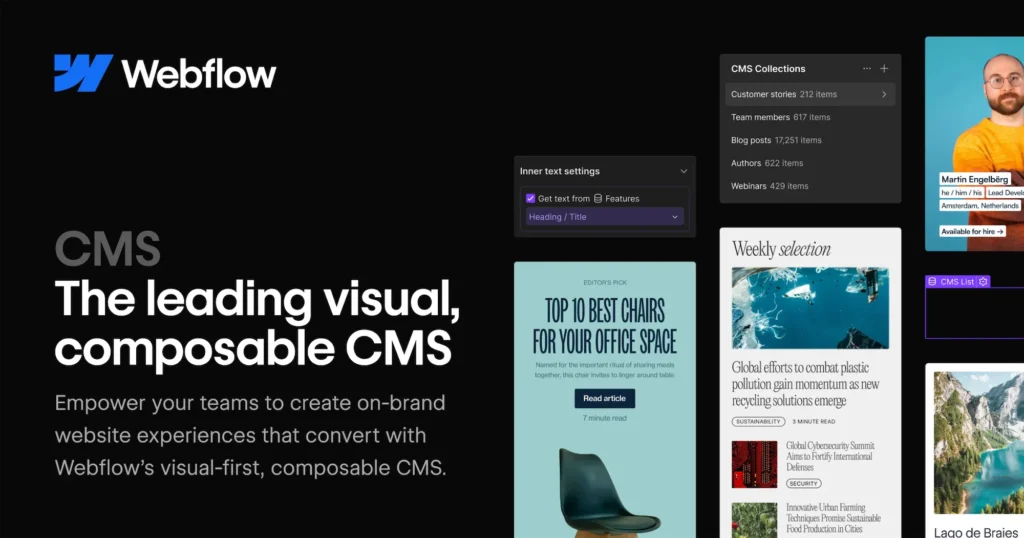
CMS and dynamic content that stays easy to update
I can build a template once, then let the CMS fill it. For example, I’ve used it for team member pages and location pages. Editors can update text and images safely, without breaking the layout.
What’s new in Webflow in 2026 that actually matters
In early March 2026, Webflow shipped updates that reduce busywork and make decisions easier. Conditional Logic now goes beyond hiding elements, it can swap text, images, attributes, and even component variants based on rules. Component Canvas improves how I build and manage reusable components. Real-time collaboration is becoming the standard way to work with teammates in the Designer. On the measurement side, Webflow Analyze and Custom Goals make it simpler to track outcomes like sign-ups and sales without stitching together extra tools.
The best updates aren’t flashy, they remove repeat edits and prevent small mistakes.
Smarter pages with Conditional Logic
I can show different content based on rules tied to CMS data or page context. One simple use: swap testimonials based on service type, or change a CTA when a “returning visitor” state is detected through my own logic setup.
Built-in analytics and goals so I can improve, not guess
Webflow Analyze helps me spot issues and trends, then Custom Goals lets me track what matters. I can define a basic funnel like visit landing page, click button, submit form, then adjust the page based on results.
When Webflow is the right choice, and when it isn’t
Webflow shines for marketing sites, content-driven sites, and design-forward brands that want speed without giving up control. It’s also great when a team needs a CMS plus clean styling rules. On the other hand, complex web apps often need more custom code, or a different stack altogether. If I only need a simple brochure site with two pages, the learning curve might feel like overkill.
Costs vary, but plans usually bundle hosting, SSL, and backups, then scale up as traffic, CMS needs, or collaboration grows.
A quick checklist I use before I commit to Webflow
- Do I need a CMS? If yes, Webflow jumps up the list.
- Do I need custom layout control? If templates feel limiting, it’s a strong match.
- Will others edit content? Roles and guardrails help a lot.
- Do performance and consistency matter? Class-based styling keeps things tidy.
- Do I need key integrations? Forms, email tools, and tracking should be clear upfront.
In the end, Webflow gives me modern design control, strong CMS publishing, and 2026 upgrades like logic and built-in measurement. If you’re unsure, start with a single page, build a small style guide, and test one conversion goal before you scale the whole site.