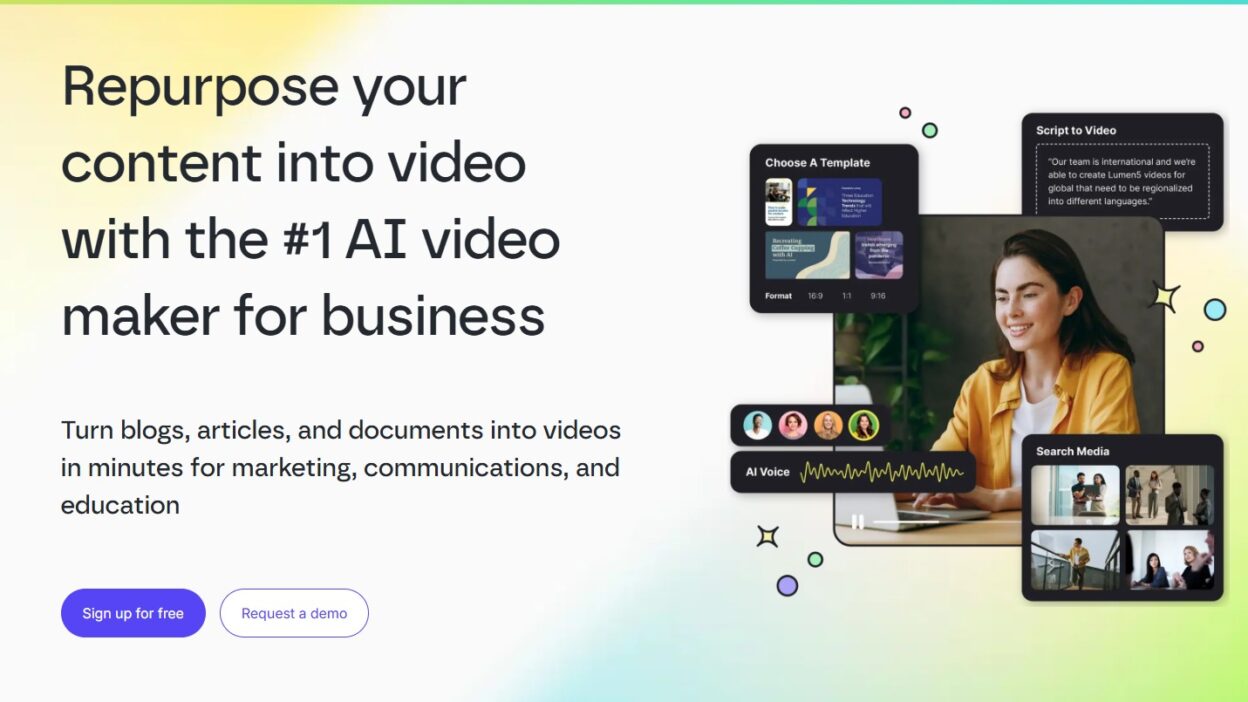
You don’t need more ideas for YouTube; you need more finished videos. Shorts, promos, community updates, and quick explainers can keep a channel active, but editing time adds up fast. Lumen5 is an AI-powered online video maker that turns text into a video draft in minutes, using suggested scenes, stock visuals, and simple on-screen captions.
Below is what it’s good at, where it falls short, how the text-to-video workflow works, and which plan usually makes sense as of January 2026.
What Lumen5 is, and what it’s best at (and not best at)
Lumen5 is a browser-based tool that starts with your words. Paste a script, a blog post, or a rough outline, and it creates a scene-by-scene draft with visuals and text. You then polish it using drag-and-drop controls, swapping clips, shortening lines, and adjusting timing. For YouTube creators, it’s best for speed: repurposing content, making simple explainers, and producing Shorts that don’t need complex edits. It’s less ideal if you rely on detailed timeline work, heavy motion graphics, advanced keyframing, or layered sound design. If you can use slides, captions, and stock footage well, it clicks fast. For product details and examples, see the Lumen5 AI video maker.
Who gets the most value from Lumen5 on YouTube
Faceless channels turning scripts into daily uploads, podcasters making episode promos, SaaS reviewers summarizing features, education channels posting bite-sized lessons, and creators converting newsletters into Shorts tend to get the best return.
What kind of videos look most natural when made from text
List videos, quick tips, quote-driven clips, product highlights, mini explainers, and teaser trailers usually look the most “normal” in text-to-video. Keep scripts short, scene-based, and punchy, with one idea per scene.
How the text-to-video workflow works in Lumen5, step by step
The workflow is built to get you from text to export without feeling like a full editing suite.
- Start a new video and choose a format (like 16:9 or 9:16).
- Paste your script or import an article; Lumen5 breaks it into scenes.
- The AI suggests stock clips, images, and layouts for each scene.
- Add music and (if you want) AI voiceover, then adjust volume and pacing.
- Review every scene, swap media, tighten captions, and fix the hook.
Media options depend on the plan, commonly ranging from about 50M to 500M stock assets. Even with good AI picks, you still need to make sure the visuals match your niche, and the first two seconds earn attention.
Quick ways to make it feel like your channel, not a template
- Use a brand kit (fonts, colors).
- Keep on-screen text to one short line.
- Add a logo or watermark (plan-dependent).
- Upload your own screenshots and b-roll.
- Make scene one a bold promise, not a title card.
Pricing, limits, and what plan makes sense for YouTube in 2026
Lumen5’s plans are structured around export quality, branding, and stock access. The Free (Community) plan is best for testing; it includes Lumen5 branding and typically exports at 720p. Paid tiers remove the watermark and unlock stronger brand controls. On the current Lumen5 pricing page, Basic is shown at $19 per month billed yearly, Starter at $59 per month billed yearly (with 1080p and 50M+ stock), and Pro at $149 per month billed yearly (with larger libraries reported up to 500M and more brand tools). Yearly billing is advertised as saving about 25 percent. Lumen5 also highlights its Free Forever option in its help docs; see how much Lumen5 costs.
A simple decision guide: start here based on your upload style
Just testing: Free.
Weekly Shorts, no watermark: Basic.
Need 1080p and brand consistency: Starter.
High volume, lots of variants, or a team: Pro or Enterprise.
Conclusion
Lumen5 is best when you want to turn text into clean, fast videos without advanced editing skills, especially for YouTube Shorts and repurposed content. The low-risk move is simple: write a 6- to 8-scene script, export a draft, then judge pacing, visuals, and brand fit. Try making one short from a recent outline or blog post, then compare watch time to your usual workflow.