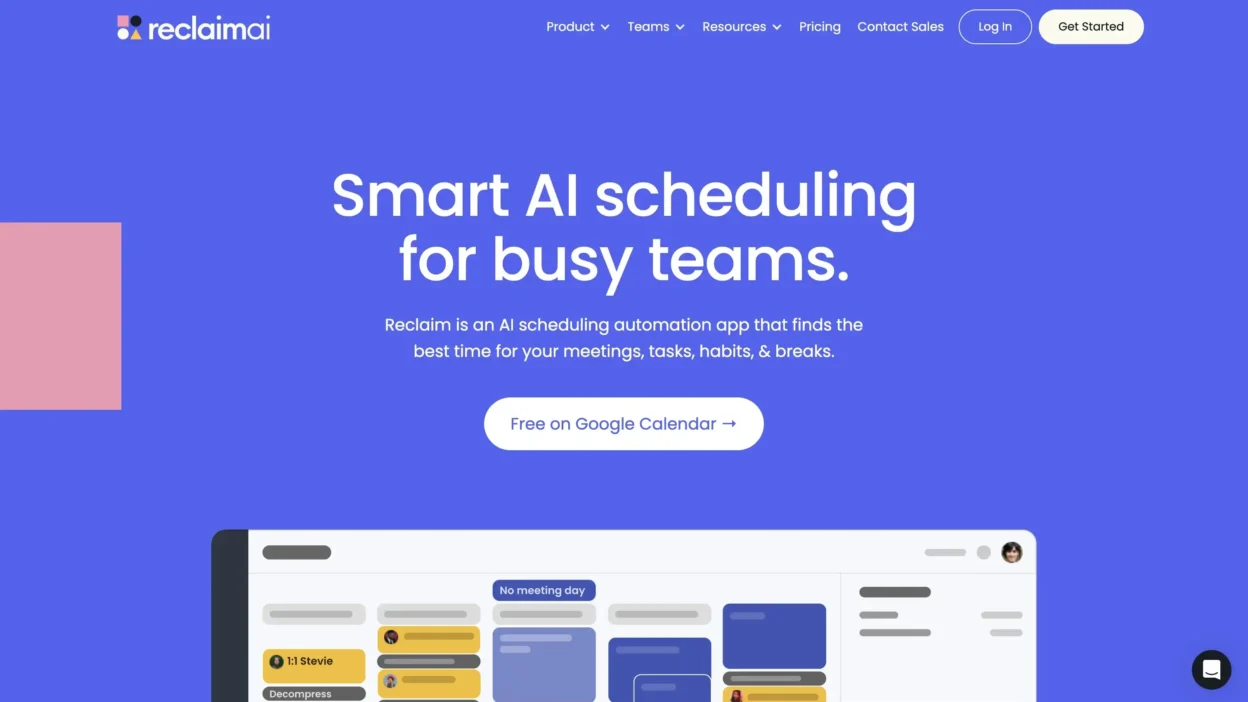
If your week keeps getting “planned” and then blown up by meetings, you’re not alone. This Reclaim.ai Review 2025 is for you if you want smart calendar management that sticks, not another to-do list you’ll ignore by Wednesday. Reclaim.ai is an AI scheduling assistant that plans tasks, meetings, and breaks for you, then keeps replanning as life changes. Below you’ll see what it does well, what it doesn’t, pricing, and who it fits.
What Reclaim.ai does in 2026 (and what makes it different)
Reclaim.ai connects to your calendar, learns your working hours and preferences, and continuously reshapes your week so you get real focus time without playing Tetris all day. The big difference is that it keeps adjusting automatically. When a meeting moves, your plan moves too, so you’re not stuck redoing your schedule at 9:30 pm.
Picture a normal Monday: two client calls land on your calendar, your manager drops a last-minute 1:1, and the “write proposal” block you set last week disappears. Reclaim.ai tries to prevent that by reserving focus blocks, placing tasks into open slots, and shifting lower priority work when your calendar tightens. The outcome is fewer packed days and less back-and-forth scheduling.
Smart Calendar Management with Calendar Sync (Google Calendar, Outlook)
With Calendar Sync (Google Calendar, Outlook), Reclaim.ai uses two-way sync, reads busy blocks, and schedules around real meetings. If you choose, you can also connect personal and work calendars, which helps you avoid double booking and protects time you already promised yourself.
Time Blocking (and Auto-Time Blocking) that defends your focus
Time blocking (and auto-time blocking) is where it earns its keep. You set what needs to happen, Reclaim finds the gaps, and it defends deep work from meeting creep. When new invites hit or meetings shift, your blocks reflow so the plan stays realistic.
Key features you will actually use day to day
You’ll feel the value most on a regular workday. In the morning, Reclaim looks at what’s urgent, what’s due soon, and what can wait. You stop guessing where work should go, because the calendar shows you a workable path.
Habit Tracking and Task Prioritization that stays flexible
Habit tracking lets you add recurring routines like workouts, study time, or “inbox hour,” and it schedules them like real appointments. Task prioritization helps your urgent work land first, but you can change priorities anytime. When priorities shift, the schedule updates without you rebuilding your day.
Buffer Time / Decompression Time that prevents meeting pileups
Buffer Time / Decompression Time is the quiet fix for the loud problem of back-to-back calls. You can auto-insert breaks so you have time for notes, water, a restroom break, or a reset. For example, a chain of 30-minute meetings can turn into spaced blocks that don’t wreck your afternoon.
1:1 Meeting Auto-scheduling without the email ping pong
With 1:1 Meeting Auto-scheduling, you can share scheduling links that find times without sacrificing focus blocks. If you run a team, recurring check-ins get easier because the tool proposes options that respect everyone’s calendars.
Pricing, pros and cons, and who should use Reclaim.ai
As of late 2025, there’s a free Lite plan, plus paid tiers (Starter, Business, Enterprise). Starter is priced around $10 per user monthly on annual billing (about $12 month-to-month), and Business around $15 per user monthly on annual billing (about $18 month-to-month). Enterprise is higher and aimed at large rollouts.
Pros: strong automatic scheduling for focus time, useful free plan, and it works with calendars you already use.
Cons: onboarding can feel a bit fiddly, there’s no dedicated mobile app, and some people want more customization (support speed can vary, too).
It’s a strong fit for solo pros, remote teams, and managers who live in their calendar. If you want full project management in one app, you may prefer an alternative.
Conclusion
In 2026, Reclaim.ai is one of the most practical ways to get smart calendar management without spending your life rearranging blocks. Try the free plan first, then upgrade if auto-scheduling saves you real time. You’ll get the best results when you keep your calendar accurate, because the tool can only protect time it can see.